Best Free PDF to Word Converter with OCR High Quality
When you are looking for the 'best free PDF to Word converter,' quality is usually the deciding factor. Most tools can extract text, but very few can provide 'high quality' results where the final Word document looks exactly like the original PDF. In 2026, low-quality conversions that break tables, lose font styles, or misalign images are no longer acceptable for professional work. PdfXpo sets the global standard for high-fidelity conversion. By combining advanced AI-enhanced OCR with our pixel-perfect reconstruction engine, we ensure that every element—from complex nested tables to multi-column layouts—is accurately translated into a fully editable DOCX format. Unlike cloud-based competitors that simplify your document's structure to save server costs, PdfXpo uses your local hardware to perform deep structural analysis. This results in a 'high quality' output that requires zero manual cleanup after conversion.
100% Local Privacy
Your files never leave your computer
Local Browser Power
Instant Processing in Browser
Secure Client-Side Processing
Data is handled entirely within your browser for maximum security
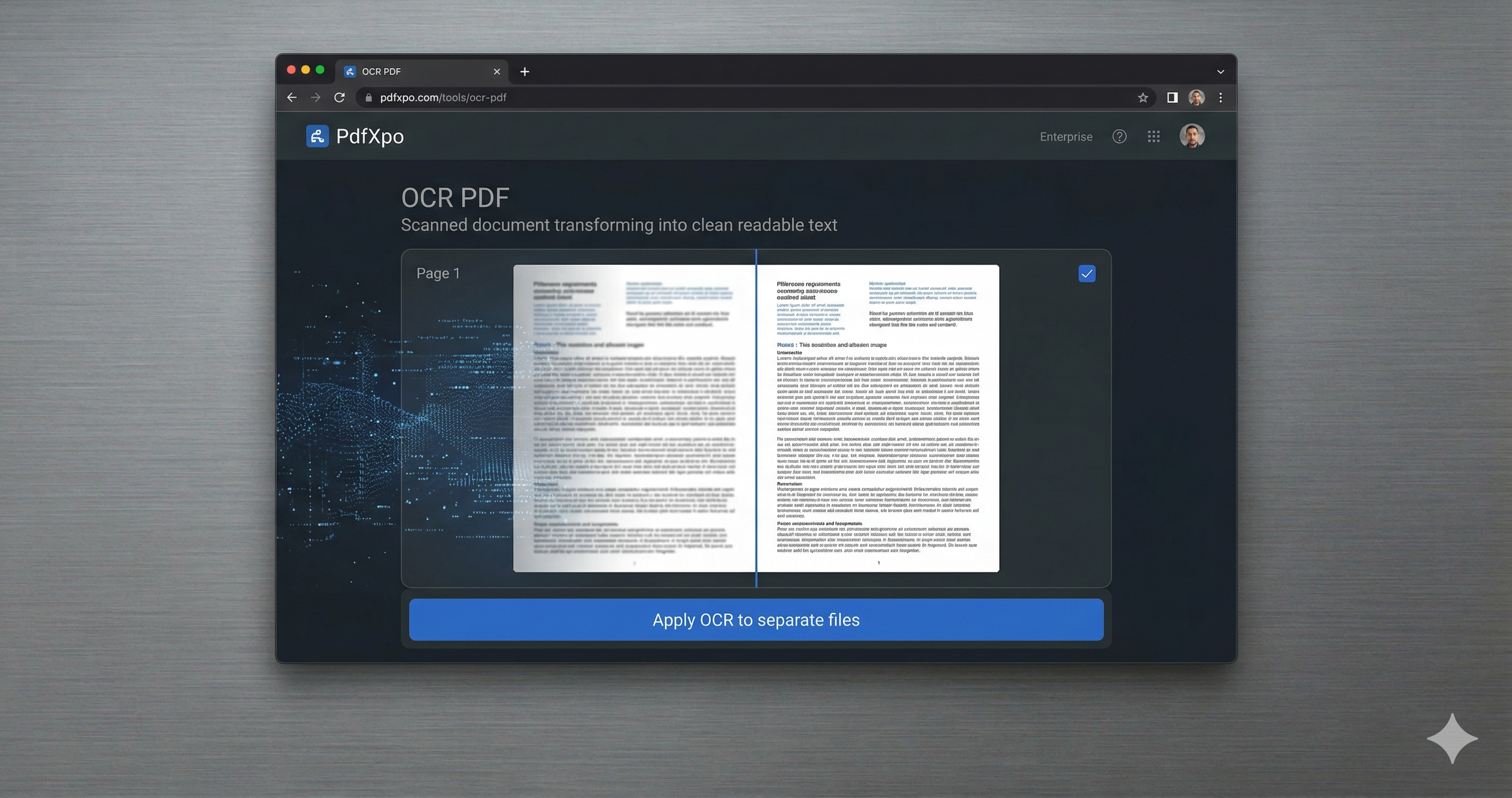
How to Convert to Word — Step by Step
Navigate to the [High-Quality PDF to Word](https://pdfxpo.com/pdf-to-word) converter on PdfXpo.com.
Upload your PDF; our system automatically scans for image-based or 'scanned' content.
The high-quality OCR engine activates automatically, utilizing AI to recognize characters with 99.9% accuracy.
Preview the reconstruction layout as the engine maps out text flows and object positioning.
Download your professional-grade Word document, ready for immediate editing or high-stakes presentation.
What Makes PdfXpo the Highest Quality Converter in 2026?
True quality lies in the details of reconstruction. Most converters just place text boxes over a page, making it impossible to edit continuously. PdfXpo's engine understands flow. It recognizes when a paragraph starts and ends, identifies headers and footers, and preserves font metrics even if the specific font isn't installed on your system. Our OCR is tailored for high-stakes environments—legal documents, medical records, and academic papers—where even a single missing character can change the meaning of a sentence. Because we process files locally using WASM-SIMD, we can afford to run more intensive quality-checks than any server-side tool. This ensures that your 'high quality' result is consistent, whether you are converting a single-page letter or a 500-page technical manual.
Privacy Protocol
Quality and security go hand-in-hand. Our 'Zero-Retention' policy ensures that your high-value documents never leave the safety of your browser. While we provide the highest quality translation, we ensure that no copy ever exists on a remote server.
Safety Signals: Files auto-deleted in 60 seconds. No account required. All processing remains on your hardware (WASM).
How to Achieve the Best Possible Quality
For scanned documents, ensure the original PDF has a resolution of at least 300 DPI for the most accurate OCR results.
Let the conversion complete fully before interacting with the page to allow the AI to finalize the layout depth.
If your document has complex mathematical formulas, our engine's specialized reconstruction will preserve the formatting as editable Word equations.
Use our [Optimize PDF](https://pdfxpo.com/compress-pdf) tool if your file is extremely large to ensure smooth processing without memory issues.
Frequently Asked Questions
Is the OCR really high quality for all languages?
Yes. Our AI-driven OCR supports over 100 languages, including complex scripts like Arabic, Hindi, and Bengali, with high-fidelity accuracy.
Will my tables remain editable in Word?
Absolutely. We reconstruct tables as native Word table objects, not just static text, allowing for full row and column editing.
Is there a limit on the number of pages for high-quality conversion?
PdfXpo handles documents of all sizes. For very large files (300+ pages), ensure your browser has sufficient memory allocated.