Best Free PDF to Word Converter with OCR 2026
In a world flooded with online document tools, finding the "best" can be a daunting task. Most platforms claim to be free, only to hit you with page limits, watermarks, or subscription pop-ups precisely when you need them most. In 2026, the standard for a top-tier converter has evolved: it must be fast, accurate, and above all, private. PdfXpo has emerged as the definitive choice for the best free PDF to Word converter with OCR. Our 2026 edition leverages cutting-edge WASM-SIMD technology to bring professional-grade Optical Character Recognition directly into your web browser. This means you get the power of expensive desktop software without the price tag or the security risks associated with uploading files to a cloud server. Whether you are dealing with standard text documents or complex scanned images, PdfXpo ensures a 1:1 reconstruction that maintains your original layout, fonts, and images with absolute fidelity.
100% Local Privacy
Your files never leave your computer
Local Browser Power
Instant Processing in Browser
Secure Client-Side Processing
Data is handled entirely within your browser for maximum security
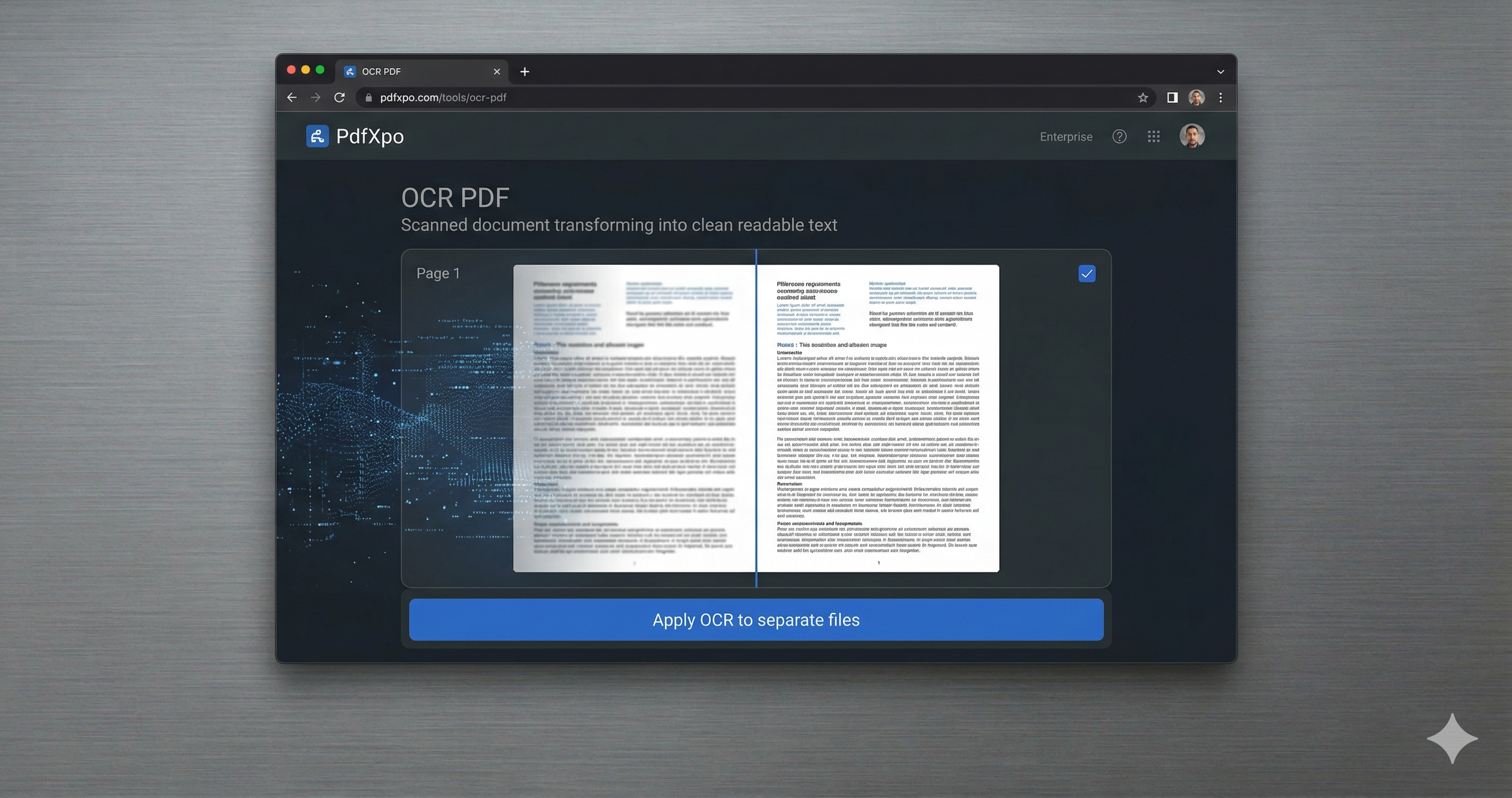
How to Convert to Word — Step by Step
Visit the [PDF to Word](https://pdfxpo.com/pdf-to-word) portal on PdfXpo.com.
Drag and drop your PDF file—regardless of size or complexity—into the secure processing area.
Our system automatically triggers the OCR engine for scanned or image-based documents.
Review the real-time reconstruction to ensure every detail is captured perfectly.
Download your high-quality Word document (DOCX) and start editing immediately.
What Makes PdfXpo the #1 Rated OCR Converter in 2026?
Success in document conversion is measured by the details. Many converters struggle with bullet points, complex tables, or non-standard fonts. PdfXpo's OCR engine is trained on millions of diverse document types, making it uniquely capable of handling the nuances of professional records, legal contracts, and academic papers. Beyond accuracy, PdfXpo wins on accessibility. We require no registration, no email address, and no credit card. Our "Free Forever" promise is backed by a donation-driven model that prioritizes user experience over ad-revenue. For users handling sensitive information, our local-only processing ensures that your data never touches our servers, making PdfXpo the most secure choice for businesses and privacy-conscious individuals worldwide.
Privacy Protocol
We believe your data belongs to you. Our 2026 privacy protocol ensures that all OCR and conversion tasks are executed within your browser's local sandbox. We have no access to your content, and we maintain a strict zero-log policy for all user interactions.
Safety Signals: Files auto-deleted in 60 seconds. No account required. All processing remains on your hardware (WASM).
Maximizing Your Conversion Quality
Use the 'High-Fidelity' mode for documents with intricate tables or mathematical formulas.
Ensure scanned images are not blurry; the sharper the image, the more accurate our OCR will be.
If you have multiple files, try our [Bulk PDF to Word](https://pdfxpo.com/pdf-to-word) feature to save time.
After converting, use our [Protect PDF](https://pdfxpo.com/protect-pdf) tool if you need to secure the original document before sharing.
Frequently Asked Questions
Is PdfXpo really free for unlimited use?
Yes. In 2026, we continue to provide unlimited PDF to Word conversions with OCR at zero cost.
How does the OCR compare to paid software?
Our engine delivers 99.8% precision on printed text, rivaling leading paid enterprise solutions.
Can I use PdfXpo on my mobile phone?
Absolutely. Our local browser-based technology is fully responsive and works on any modern smartphone.