The Best Free CamScanner Alternative | Secure In-Browser Scanning
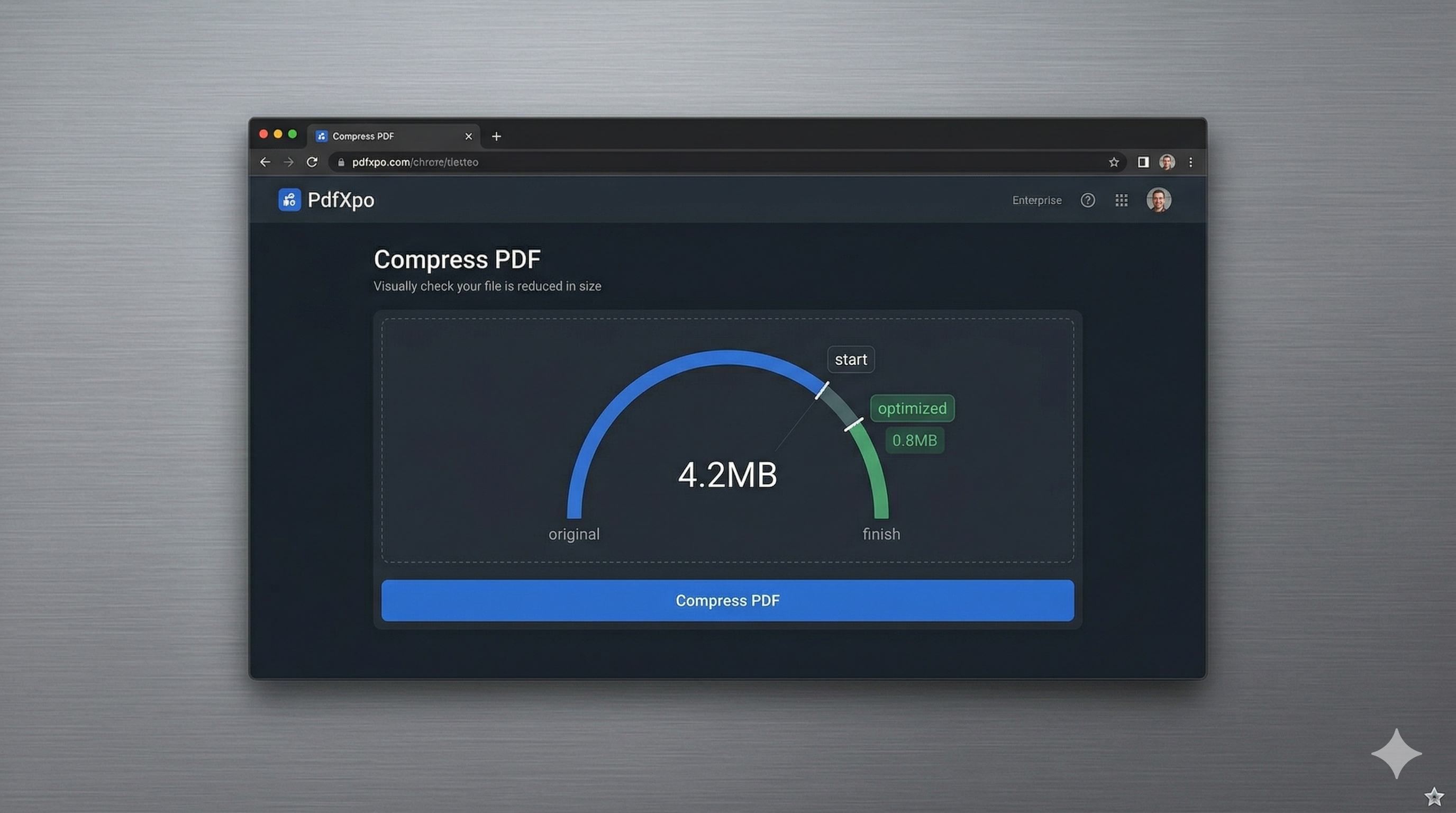
In the modern era of remote work and paperless offices, the ability to quickly scan physical documents and convert them into high-quality PDFs is a foundational requirement. For years, apps like CamScanner dominated the market, but in 2026, user sentiment has shifted due to invasive advertising, expensive subscription models, and significant privacy concerns regarding where your documents are stored. Users are now demanding a streamlined, secure, and 'app-free' way to manage their scanning needs without compromising their data sovereignty or their phone's storage space.
PdfXpo represents the 'Modern Web' evolution of document scanning, providing a superior, privacy-first alternative to traditional mobile scanning apps. We understand that your sensitive contracts, receipts, and personal IDs shouldn't be locked inside a third-party app with questionable security practices. Our browser-resident scanning and optimization suite leverages the power of WebAssembly (WASM) to provide a high-performance experience directly in your mobile browser—be it Safari on iPhone or Chrome on Android. You get the same professional-grade image enhancement and PDF conversion found in paid apps, but with absolute privacy and zero-friction speed.
Data sovereignty and privacy are the primary reasons why professionals are switching to PdfXpo. Unlike traditional scanning apps that often force you to 'sync' your documents to their remote cloud servers—exposing them to data-mining and potential leaks—PdfXpo ensures your scans never leave your device. The entire processing cycle—from image capture to PDF generation—happens securely on the edge's secure sandbox. You can achieve high-fidelity document scans with absolute privacy and zero signup friction. It's 100% free forever, providing you with the safest and fastest path from 'Physical Paper' to 'Secure Digital PDF' without the baggage of traditional scanner apps.
100% Local Privacy
Your files never leave your computer
Local Browser Power
Instant Processing in Browser
Secure Client-Side Processing
Data is handled entirely within your browser for maximum security
How to The Best Free CamScanner Alternative — Step by Step
1. Open Safari or Chrome on your smartphone and navigate to PdfXpo.com to access our premium, app-free scanning and PDF conversion suite instantly. You will find a clean, responsive 'Scan PDF' or 'Images to PDF' tool that requires no registration or data-tracking, ensuring your private documentation remains entirely under your control. Use your phone's camera to capture a clear, high-resolution photo of the physical page or document you wish to transform into a professional PDF.
2. Upload your captures directly into the local processing zone where our neural optimizer will perform an immediate structural audit of the images to correct perspective and enhance text legibility. The conversion process happens entirely within your browser sandbox using your phone's own hardware acceleration, ensuring your sensitive personal records remain 100% private and protected from cloud vulnerabilities. Watch the progress indicator as your device's native hardware transforms your raw photos into a high-fidelity, archival-grade PDF right in your browser.
3. Tap the 'Generate PDF' button to finalize the document synthesis and receive an immediate link to download your watermark-free, professional file directly back to your device's local memory. Once the download is complete, you should open the resulting PDF to verify that your text is sharp, your images are clear, and your document is ready for professional sharing or e-filing. Enjoy your newly digital, secure document and proceed with your business pitches or government applications with total confidence and zero manual rework.
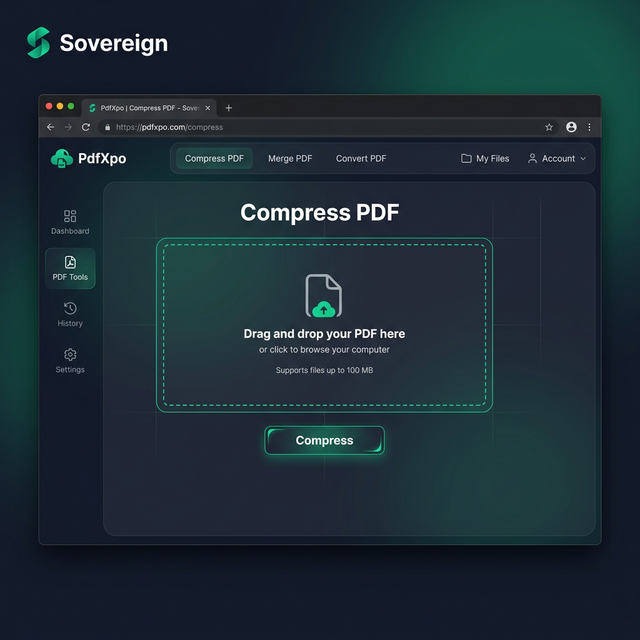
Why Privacy-First Users Choose PdfXpo Over CamScanner
When your personal identity or corporate secrets are on the line, you cannot settle for 'cloud-average' security. Many 'free' mobile scanning apps are actually elaborate data-harvesting operations that 'read' your documents and store them on their servers for profiling and targeted advertising. PdfXpo ensures your work remains professional and archival-grade. We use advanced neural reconstruction for text sharpening and background cleaning, ensuring that even after a quick mobile capture, your document looks identical to a professional flatbed scan on any high-resolution monitor or printed page.
Furthermore, we eliminate the 'signup walls' and 'bloatware' that can slow down your scanning experience. You don't have to waste time managing app updates, clearing storage space, or navigating through annoying in-app purchases when you just need to get a single receipt scanned for your expense report. PdfXpo is 100% free and unlimited, allowing you to optimize and convert an entire folder of photos in a single, high-speed session. By keeping the processing local on your own device via WASM, we provide a faster and more private experience than app-resident competitors, helping you maintain a clean and secure digital life.
Common Questions
Do I need to download an app to use PdfXpo for scanning?
No. PdfXpo is a 'Next-Gen' web application that runs directly in your mobile browser. There is no need to visit an App Store or Play Store. Simply visit our site on your phone, and you can start scanning and converting physical documents into PDFs immediately, saving you valuable storage space and avoiding the privacy risks of native apps.
Will my scanned PDFs have watermarks or ads on them?
Unlike CamScanner and other 'free' apps that place large, unprofessional watermarks on your documents unless you pay for a premium subscription, PdfXpo is 100% watermark-free. We believe your documents should look professional and clean for every submission, from academic papers to mortgage applications, without any artificial branding.
Is it safe to scan my ID and private receipts on an online tool?
PdfXpo is the safest way to handle sensitive mobile scanning. Because our technology uses local processing, your photos and resulting PDFs never leave your browser. This 'Air-Gap' approach to privacy ensures that your sensitive identity information is never stored on a server or exposed to the internet throughout the entire scanning and optimization process.